
Truckfish Games / Windows
BattleScope: Civil War
Command the Union or Confederate army in an offline strategy game with two scales of command: brigade battles on hex fields and armies on a strategic map of the United States. Choose an individual battle, a branching battle campaign, or the separate war-map campaign.
Windows · v1.0.1 · 66.6 MB
$8USD · one-time purchase
Account and verified email required. Download from your library after payment.
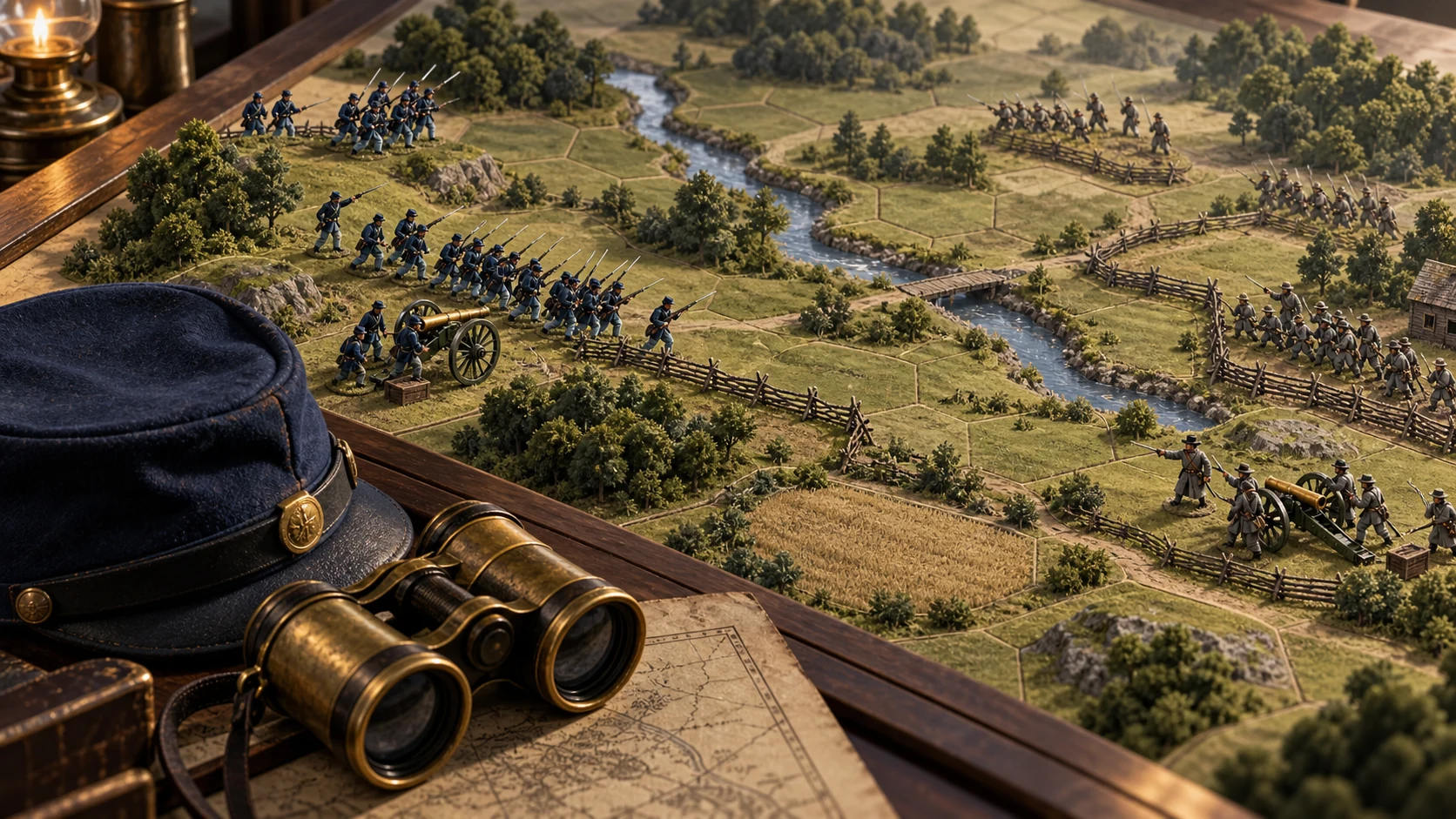
Inside the game
One more move.
- Infantry marches in column and fights in line. Cavalry can fight mounted or dismounted; guns move limbered and deploy to fire. Normal assaults give the defender the first volley, so fresh troops in good cover are difficult to dislodge.
- Health, organisation, morale, leaders and supply influence whether troops can fight, hold or retreat. Rallying and demanding charges can spend army morale. Preserve a safe retreat route before committing.
- Use artillery to prepare an attack, and inspect the selected battery's range shading. Coordinated pressure can wear down a defender; a mounted cavalry charge is powerful but exposes its riders to greater danger.
- Rest eligible units to restore condition and replenish supply under the current field's rules. Dig in to improve a position. Winning ground with a badly damaged army can still produce a poor final score.
- Campaign branches use the player's result, whichever army they command. Wins can open different fields; a draw follows the non-victory route. The muster carries the campaign's force condition and rearming choices forward.
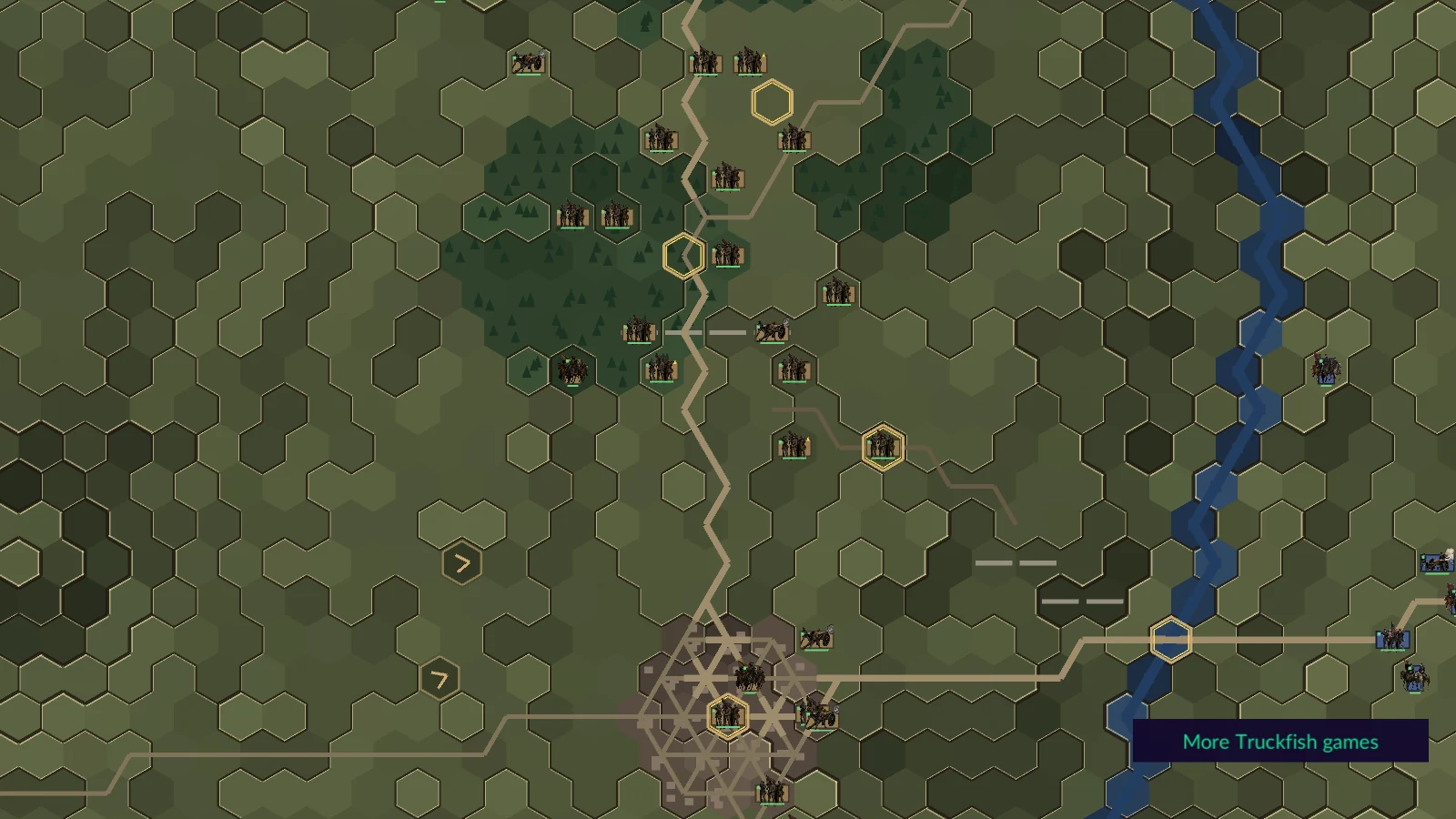
- One strategic turn is one day. March along connected ground, move by rail where the route permits, or force a march at a cost to your brigades' health and organisation. Rest a formation before it is needed in battle.
- War-map formations need a traceable supply route to a friendly city. Opposing forces near each other can trigger a tactical battle, with nearby formations joining as reinforcements. The brigades' surviving men and condition return to the war map afterward.
- Both nations begin with 300 will. Battles, cities and declining contact change it. Time alone also wears it down: Union will falls by 0.10 per day and Confederate will by 0.06. The Confederacy can win by exhausting Northern will without conquering the entire North.
Windows controls
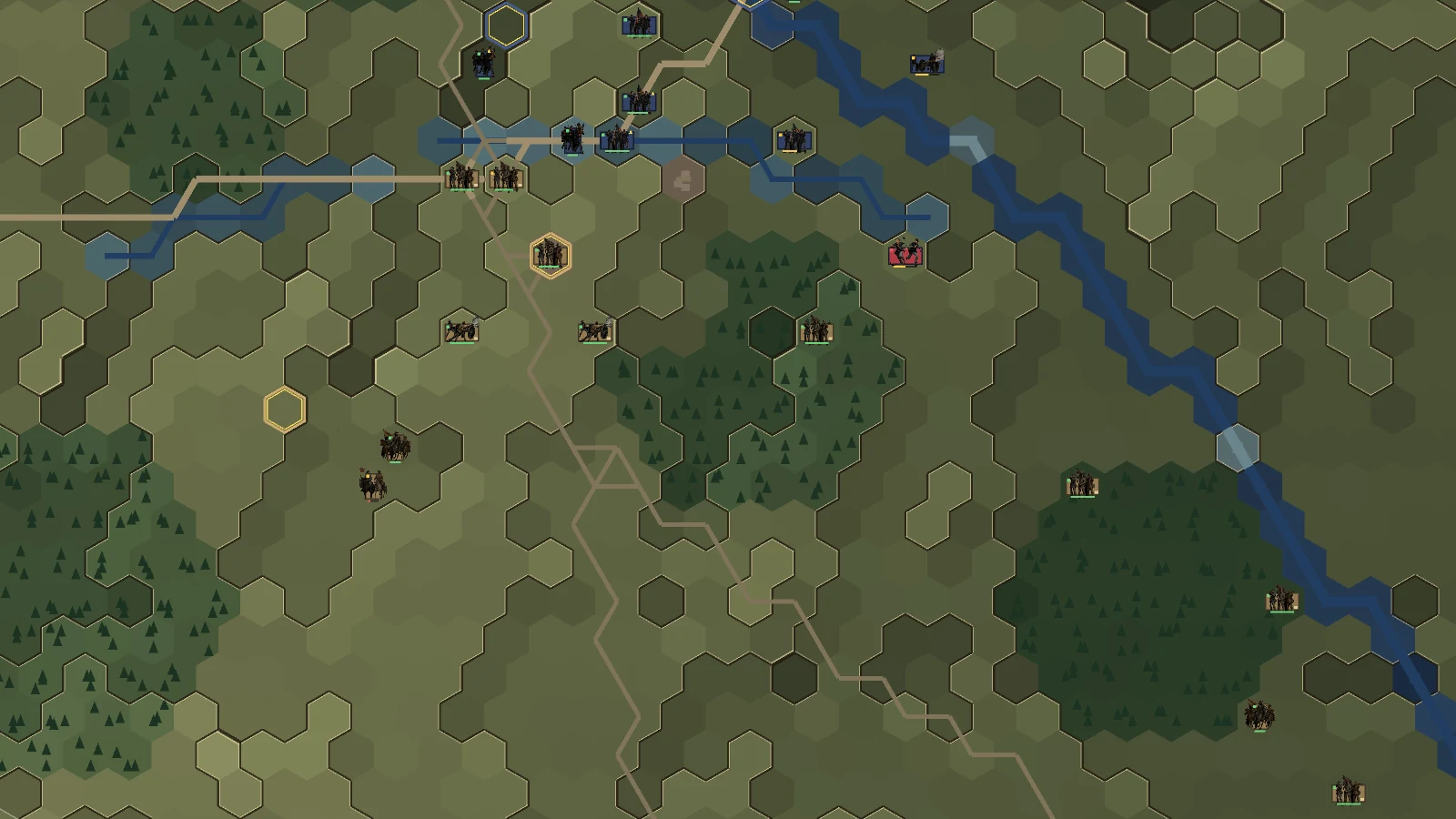
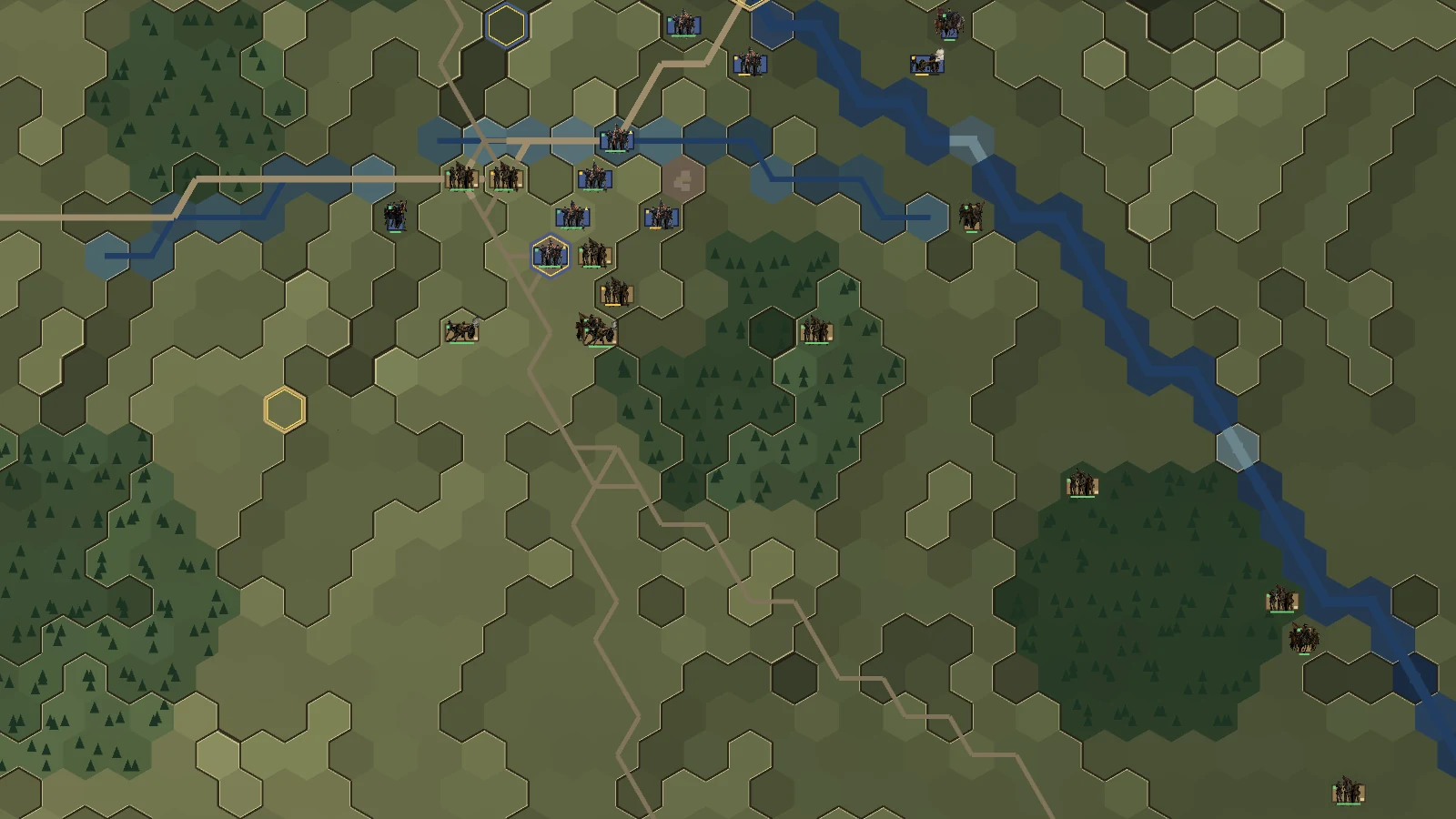
- Battle — left-click: Select or inspect a unit, or move your selected unit to highlighted ground.
- Battle — right-click a visible enemy: Attack with the selected unit; artillery uses its legal firing range.
- Battle — Space: End the turn.
- Battle — F / D: Change formation / dig in when eligible.
- Battle — R / Shift+R: Rest the selected unit / rest eligible units and end the turn.
- Battle — Y / C: Rally / arm Charge for the selected unit.
- Battle — M: Arm Mass fire for an eligible battery.
- Battle — Tab: Select the next idle unit.
- Battle — V / F2: Toggle the victory report / hide or restore battlefield panels.
- Battle — Esc: Pause, resume, or close an open report.
- War map — left-click: Select your formation, then choose a destination to march.
- War map — H / B: Arm forced march / rail movement, then click a destination.
- War map — R: Rest the selected formation. Shift+R does not issue the battle's Rest all command here.
- War map — Space: End the day and resolve the opposing moves, supply and contacts.
- F5 / F9: Save / load the current map's slot: battle on the tactical map, war on the strategic map.
- Arrow keys or middle-mouse drag: Pan the map.
- Mouse wheel or + / -: Zoom the map.
- Ctrl+Q: Request quit. Save first.
From the real game.
Full image frames. Capture details below.
Windows v1.0.1 · SHA-256
7328b5553a14c3ff3b6479a541fb7170acd674e80f92c9d32e7851c9d1fdbf3c