
Truckfish Games / Windows
BattleScope: Napoleon
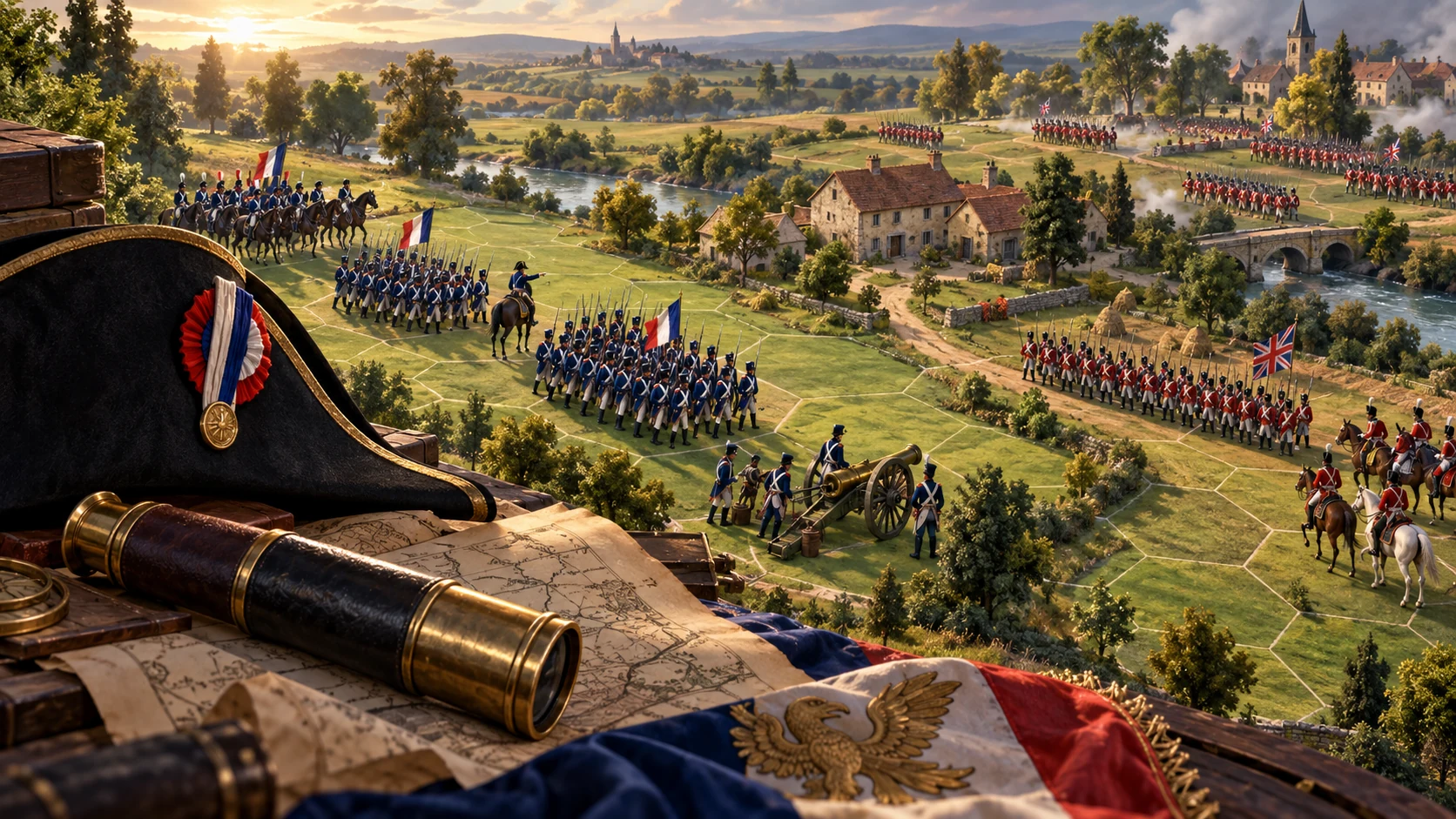
Command the French or Coalition army in an offline, turn-based strategy game. Fight across twenty historical-inspired fields, or carry your force from Quatre Bras to Waterloo in a two-battle Hundred Days campaign.
Windows · v1.0.1 · 41.4 MB
$8USD · one-time purchase
Account and verified email required. Download from your library after payment.
Inside the game
One more move.
- Column covers ground quickly. Line brings more muskets to bear. A steady square resists cavalry but cannot move, and its dense ranks are vulnerable to fire.
- Charge exposed infantry and avoid steady squares. Charges tire the horses; exhausted cavalry needs rest before charging again.
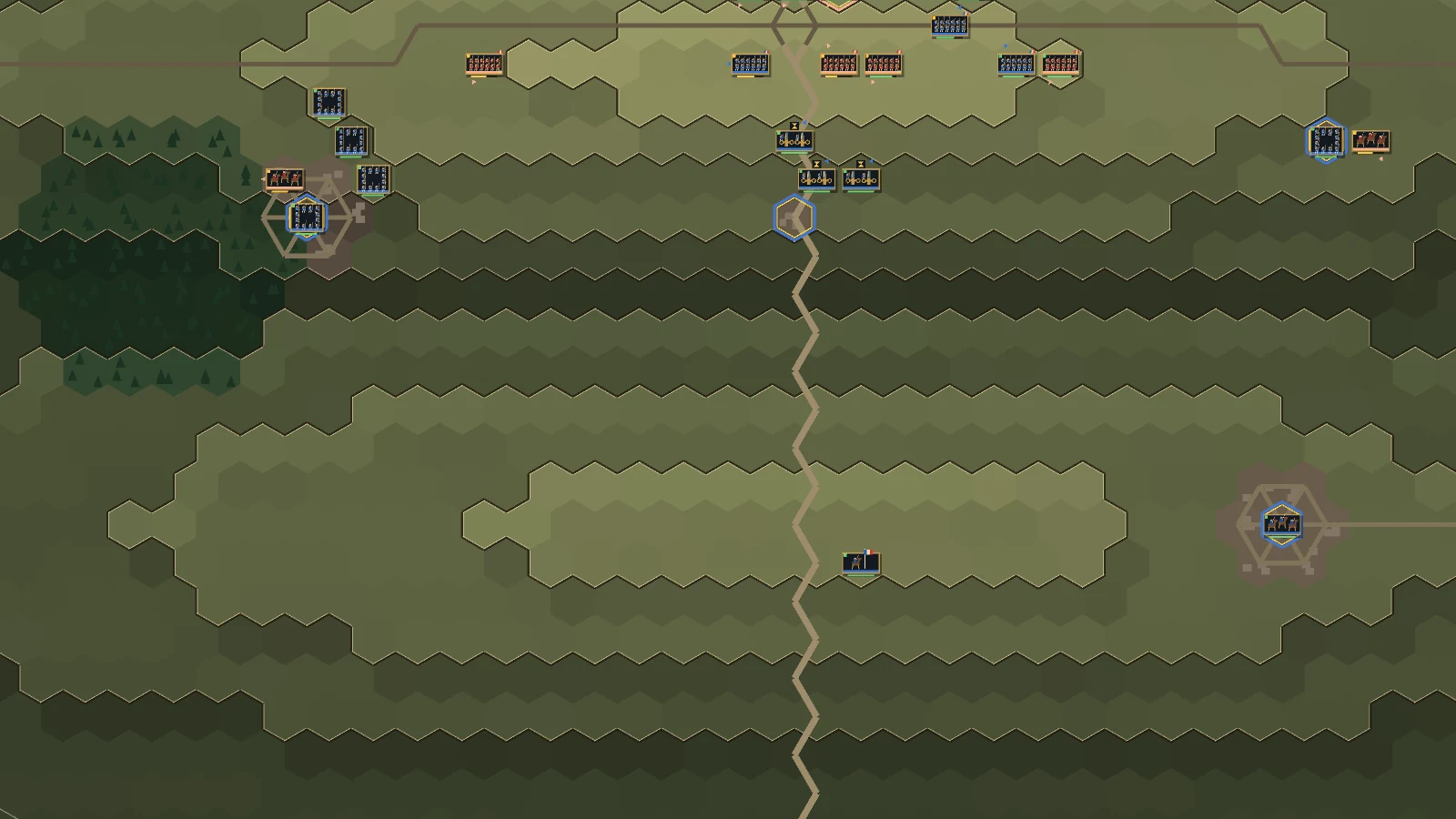
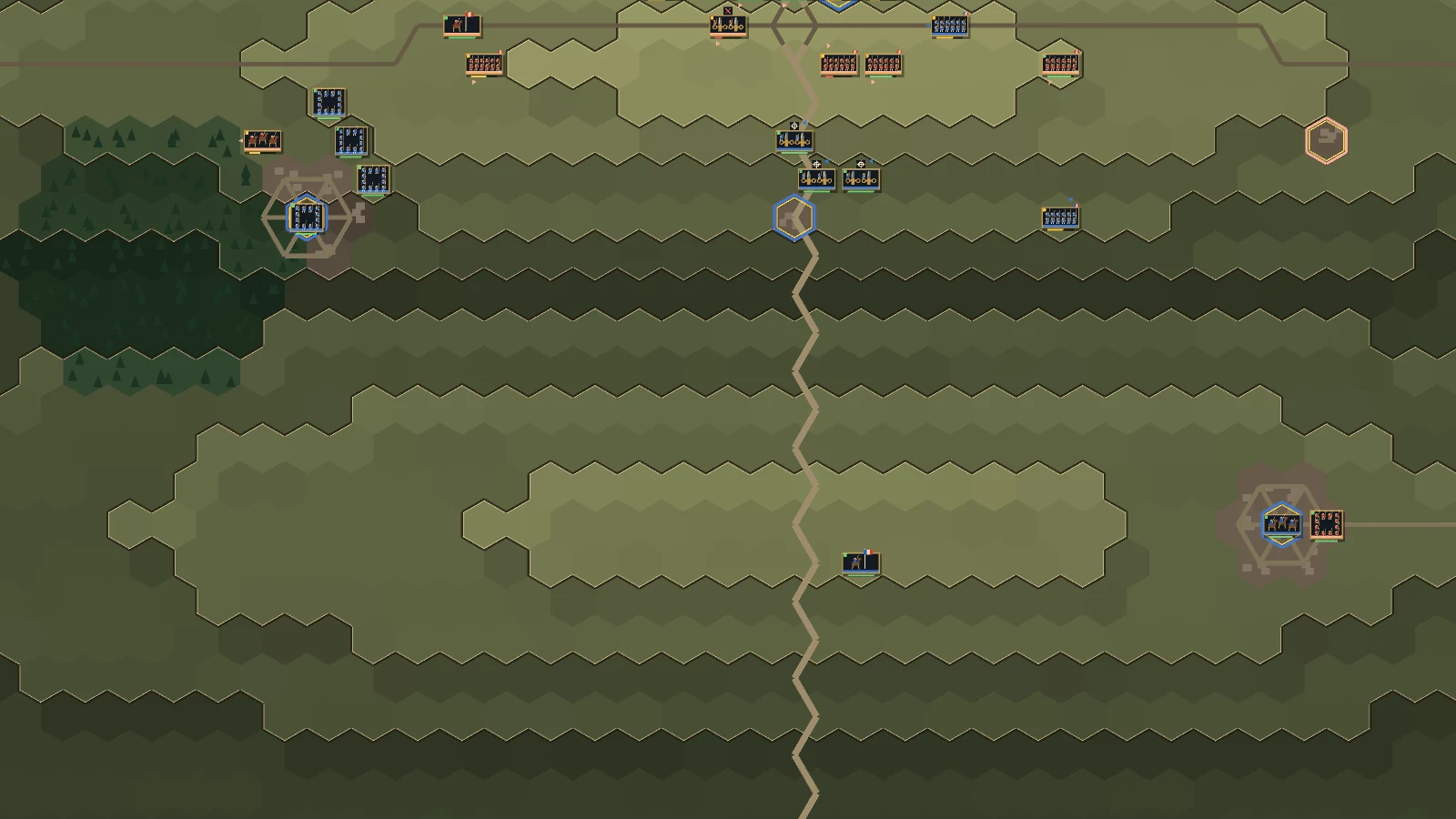
- Limbered batteries travel as horse-drawn gun trains and cannot fire. Unlimbered batteries deploy as rows of guns. Changing formation prevents firing until the next turn. Guns also need ammunition and an available action. A crosshair badge means a legal shot is available; an hourglass means setup or spent actions; X means another firing condition is unmet.
- Arm Mass fire, then right-click a target shared with an adjacent ready battery. Each participating battery spends its shot.
- Organisation, health, morale and command support affect a formation's fighting ability. Rest tired units and rally routed ones before returning them to action.
- Inspect terrain, objectives and reinforcement notices before committing. Attacks require a visible target; the enemy follows the same movement and combat rules.
Windows controls
- Left-click: Select a friendly unit, inspect a unit, or move the selected unit to highlighted ground.
- Right-click a visible enemy: Attack with the selected unit; artillery fires at legal ranged targets.
- Space: End the turn.
- F: Change formation; deploy guns or pack them up.
- D: Dig in when the selected unit can do so.
- R / Shift+R: Rest the selected unit / rest eligible units and end the turn.
- Y: Rally the selected unit.
- C / M: Arm Charge / arm Mass fire for an eligible selected unit.
- Tab: Select the next idle unit.
- Mouse wheel or + / -: Zoom the map.
- Arrow keys or middle-mouse drag: Pan the map.
- F1 / F2: Open the field guide / hide or restore battlefield panels.
- F5 / F9: Save / load the current profile's battle.
- Esc / Ctrl+Q: Pause or close an open report / request quit.
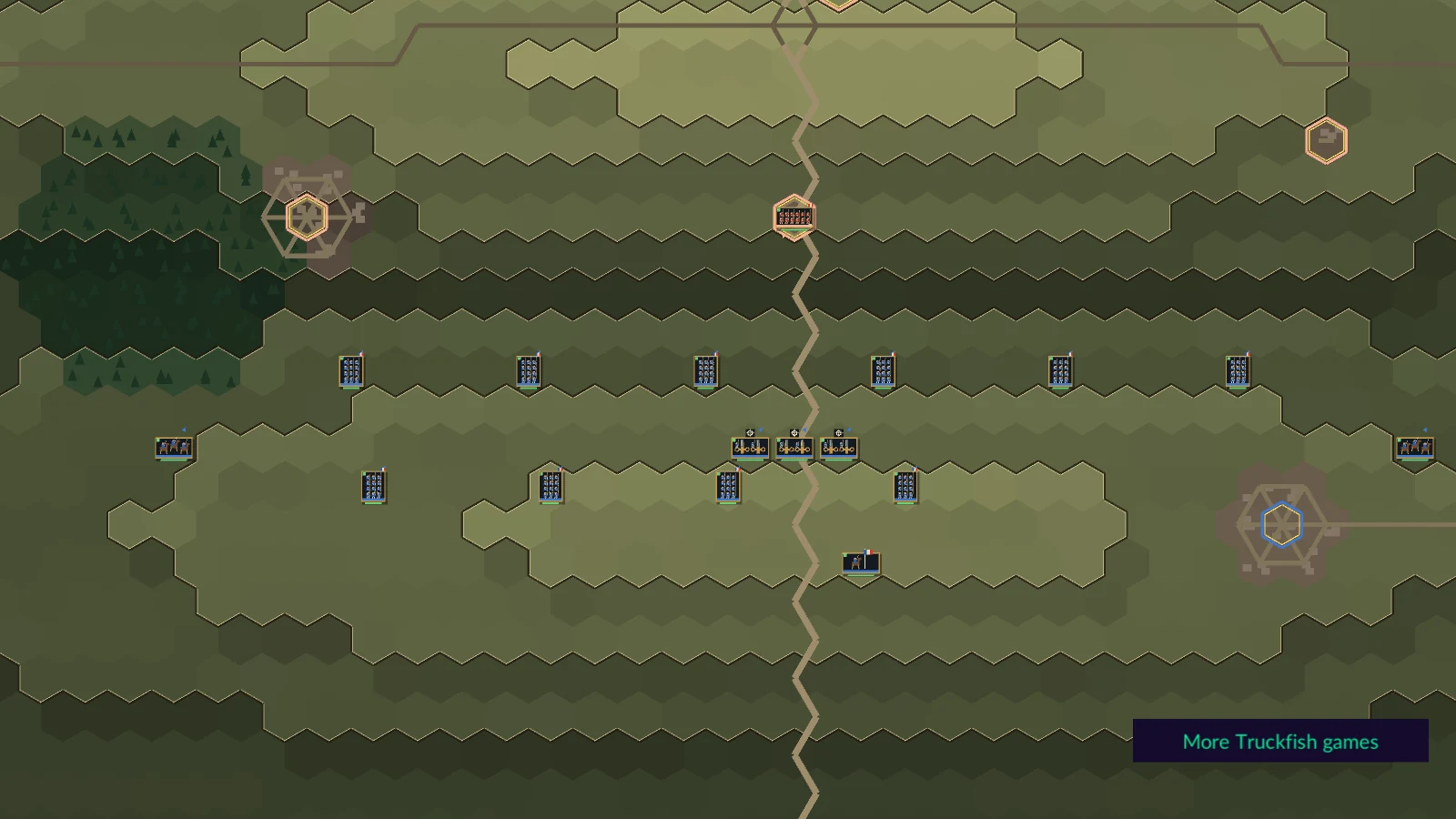
From the real game.
Full image frames. Capture details below.
Windows v1.0.1 · SHA-256
375a4e0814768e66a55e6a12e42ccfc81b3f3684275af4ff83a75ce3b8336df9