Truckfish Games / Simulation · Educational
Garage Lens 3D
Diagnose and repair five fictional 3D vehicles across twelve guided work orders. Inspect assemblies, collect readings with eighteen tools and use twenty searchable repair guides.
Inside the workshop
Follow the fault from complaint to retest
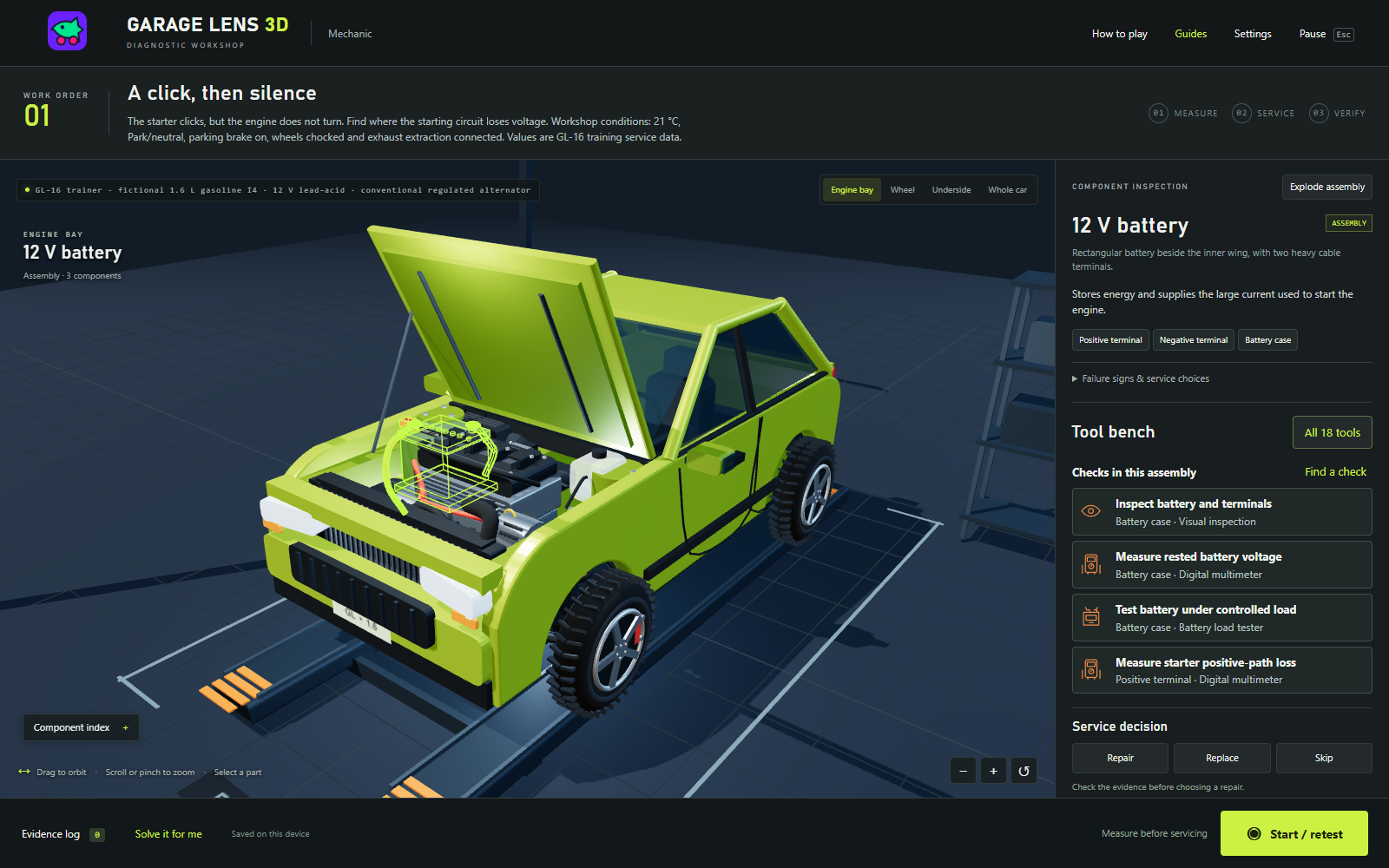
Five fictional vehicles bring twelve guided work orders, from a starting fault to brakes, driveline and fuel delivery. Inspect the 3D assemblies, prepare one of eighteen tools and compare the reading with the case's service limits. Repair or replace the faulty component, use each service tool in order, then take a fresh reading and verify the job.
Controls and first steps
- Continue past the Truckfish startup screen. Choose a local mechanic profile, a vehicle and a work order.
- Drag to orbit the car and scroll to zoom. On a touch screen, drag to orbit and pinch to zoom. Camera tabs show the engine bay, wheel, underside and whole car.
- Select a part in the scene or the keyboard-accessible component index. The Tool bench shows its checks. Choose a check, then select Run check to record the reading.
- Use Find a check to see the work order's checks. Solve it for me opens an optional walkthrough; you still perform the checks and service steps yourself.
- Open Guides for a repair lesson or Pause to save your return to the menu. The underside camera raises the car on its lift so you can inspect beneath it.
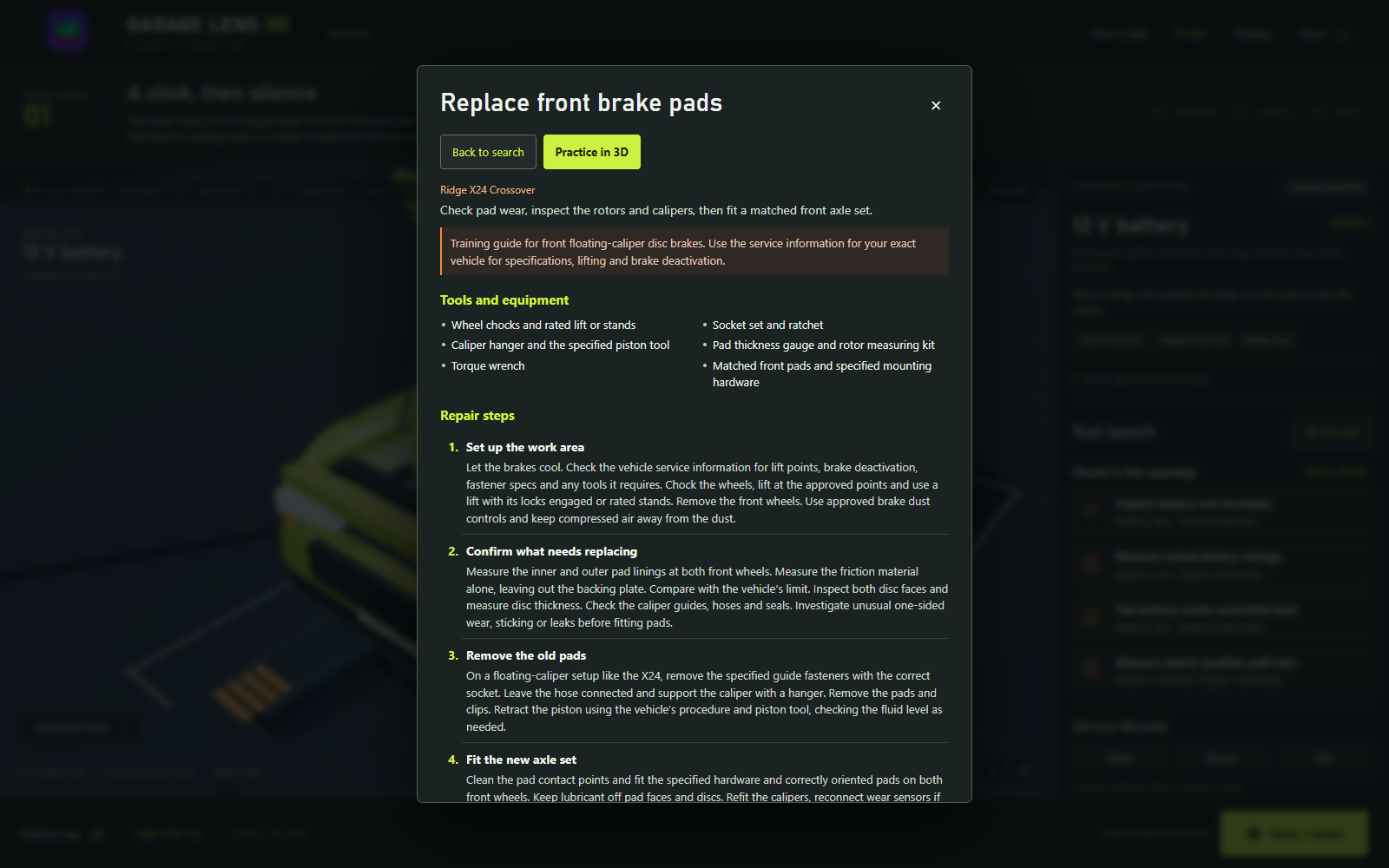
Twenty searchable repair guides
Search by repair, part or symptom. Try “brake change” for pads and rotors or “oil change” for oil and filter service. Twelve guides link to their work orders through Practice in 3D. Reading a guide preserves your current work and badges.
Keep your progress
Work orders, case badges and vehicle completion badges save in this browser on this device. Local profiles keep their progress separate. Choose Continue to return to the saved job. Clearing site data or using a private session can remove saves; progress does not sync between devices. Settings include sound, optional music, text size and reduced interface motion.
Read, then practice
Actual screenshots from the accepted 1.3.0 game.