
Truckfish Games / Puzzle · Action · Educational
Loot Unlocked
Race through a neon vault, solve addition puzzles on treasure chests and use their answers to open the team door. Dodge monsters and reach the central vault before rival teams. A 3D arithmetic action game with computer opponents and short timed rounds.
Play the full game here in Windows Edge. To play offline solo, download and extract the free ZIP, then open index.html.
No account or payment required. Play solo or host a room for friends. WebGL required.
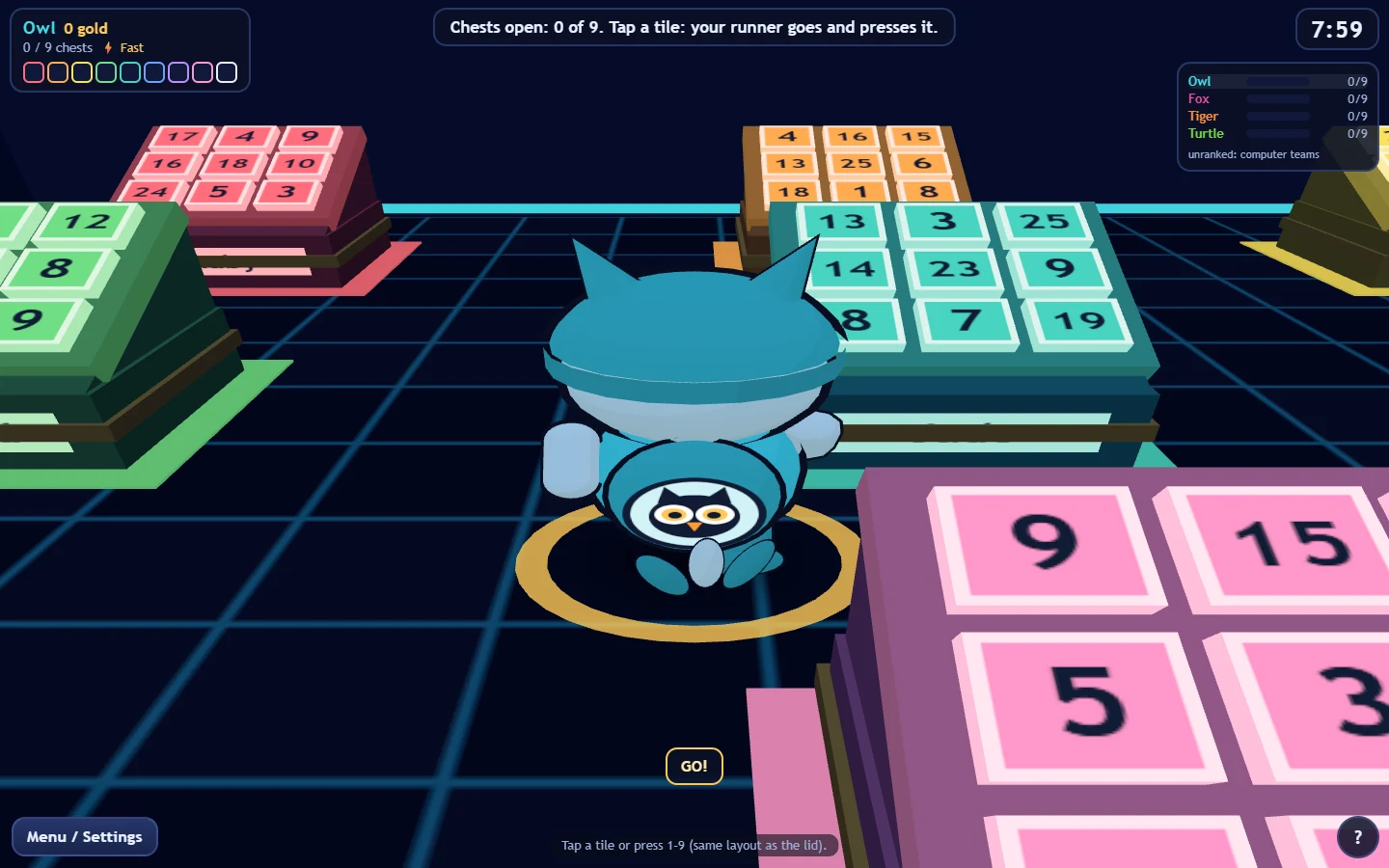
Inside the game
Arithmetic opens the team door
Each chest has nine number tiles. Find two that add to a third and press their total. The answers rise as gold buttons, ready for the next puzzle at the team door. Monsters and rival runners keep the race moving.
- Find two numbers that add to a third, then press their total on a chest's nine-tile pad. An incorrect answer jams the chest for five seconds and spawns a monster.
- Solve nine chests, then use their raised gold answers to open the team door. The central vault adds another arithmetic challenge while the other teams race to finish.
- Choose an owl, fox, tiger or turtle team and a Speed or Tough power. Speed increases movement by 40%; Tough gives protection against repeated hits.
- Play against computer teams. A round has an eight-minute limit; the first central-vault solve starts up to 90 seconds for the remaining teams, within that limit.
- Room-code multiplayer supports up to eight players across four teams of two, with computer teams filling empty seats. Friends open the web invite link, or enter the host's room code.
- Local profiles keep separate names, settings and one solo snapshot. Pause and help freeze solo play; reduced flashing and motion is on by default.
Download and controls
- Open the free browser game, or extract the ZIP and open index.html in Microsoft Edge, continue past the Truckfish screen and choose a local profile. Choose Play vs computers, pick a team and power, then press START.
- Use WASD or arrows to move, click the floor to run there, and press Space to jump. Drag to look, use the wheel to zoom, Q/E to turn and Z to reset the view.
- Near a chest, click a tile or the big number pad, or press 1 through 9. Choose the total of two other numbers. Press F or Enter to smack a nearby monster or rival; G or X targets a rival directly.
- Press keys or buttons repeatedly to escape a grab. C cheers, M toggles sound and H opens instructions. Touch controls are included, but physical-device play is unverified.
- Esc or Menu / Settings opens the shared controls. Solo pauses; online play continues. F5 saves and F9 loads a solo round. On results, R returns to the lobby and T returns to title.
- For online play, choose Host a game and share the four-character room code. Friends open the web invite link, or enter the code and choose Join a friend. Keep the host page open. Ctrl+Q or Exit opens the Truckfish catalogue in the same tab.
Keep your solo run
Press F5 to save a solo round and F9 to load it, or use Continue solo save on the title screen. Each local profile has one save slot. Keep the same browser, browser profile and extracted location. Save before leaving; clearing browsing data can erase local saves. Game saves stay in this browser on this device. There is no cloud save synchronization.
From the game
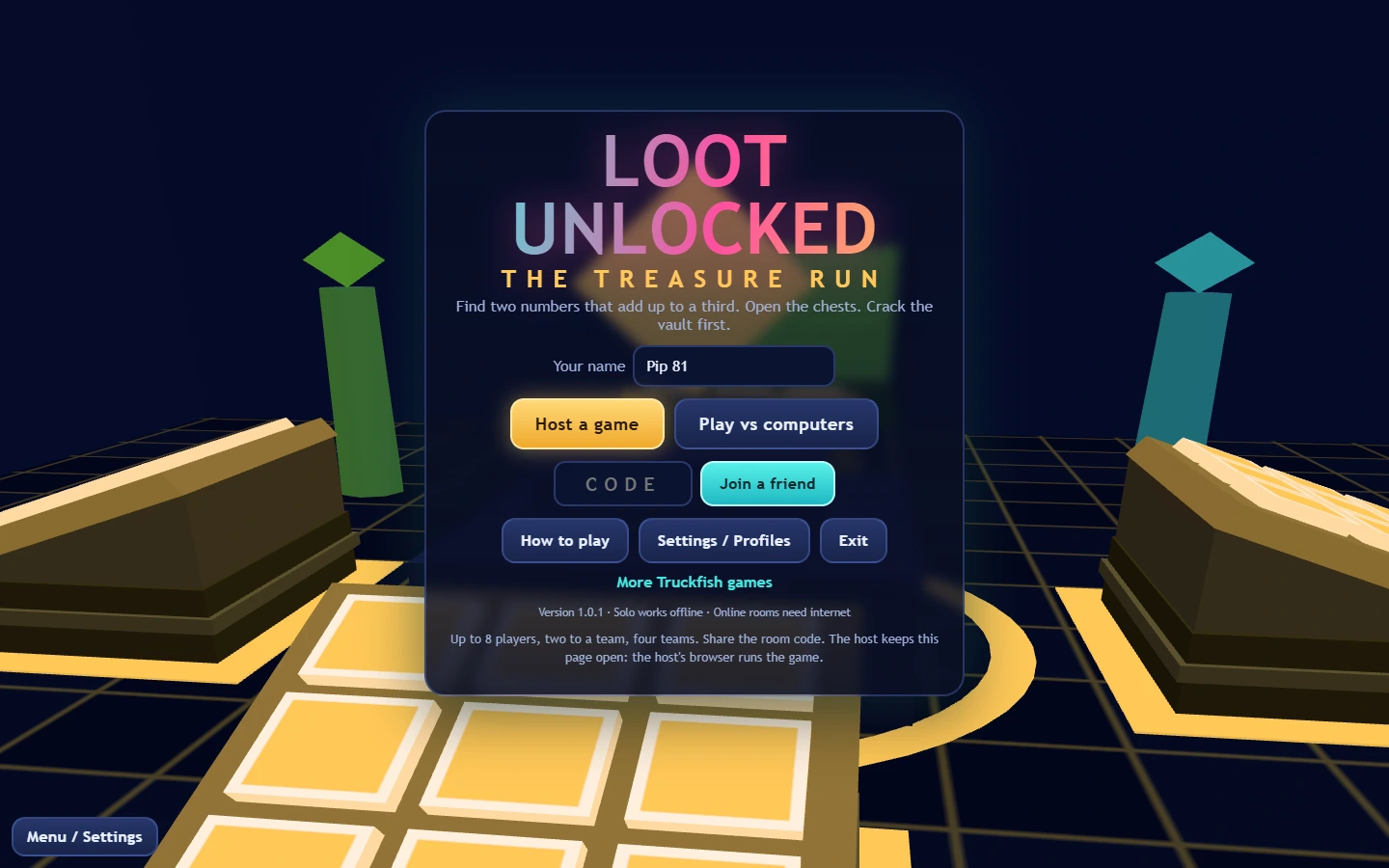
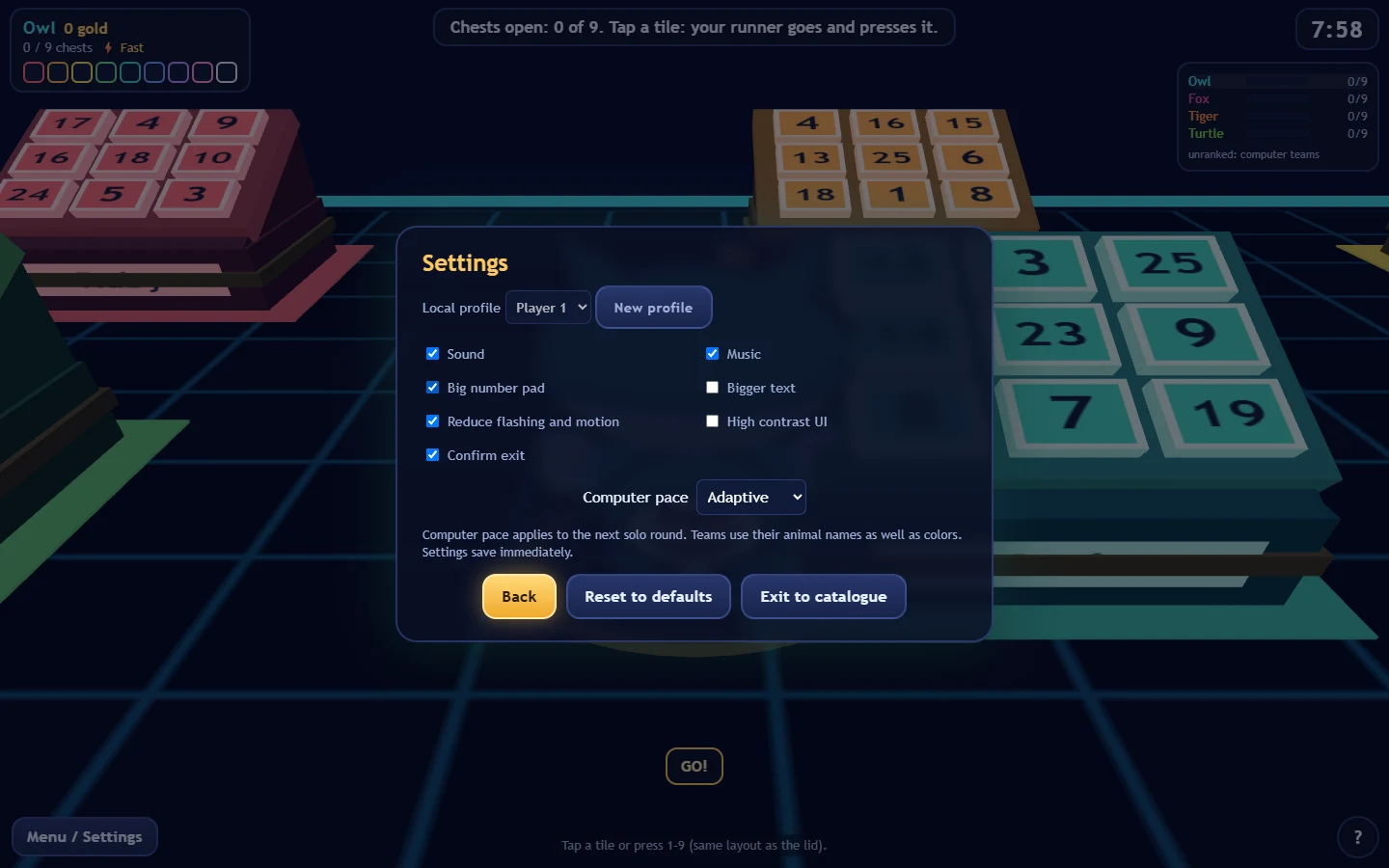
Title from 1.0.1; gameplay and Settings from 1.0.0, captured in automated Windows Edge checks with software rendering. Open an image for its full frame.
Full game ZIP v1.0.1 · SHA-256
533afa49e38348630e61077ca32c0d549377a32e5f008808f2b2144cb6e73bb3