
Truckfish Games / Free browser game
Pumpkin Carver
Carve a face into a pumpkin, let the candle shine through, then give it a place on your porch. Work at your own pace with cut-through tools, shallow glowing cuts and stencils you can repair.
Download, extract and open PumpkinCarver.html in Edge. The downloaded game plays offline.
No account or payment required. WebGL2 required.

Inside the game
Let the light through
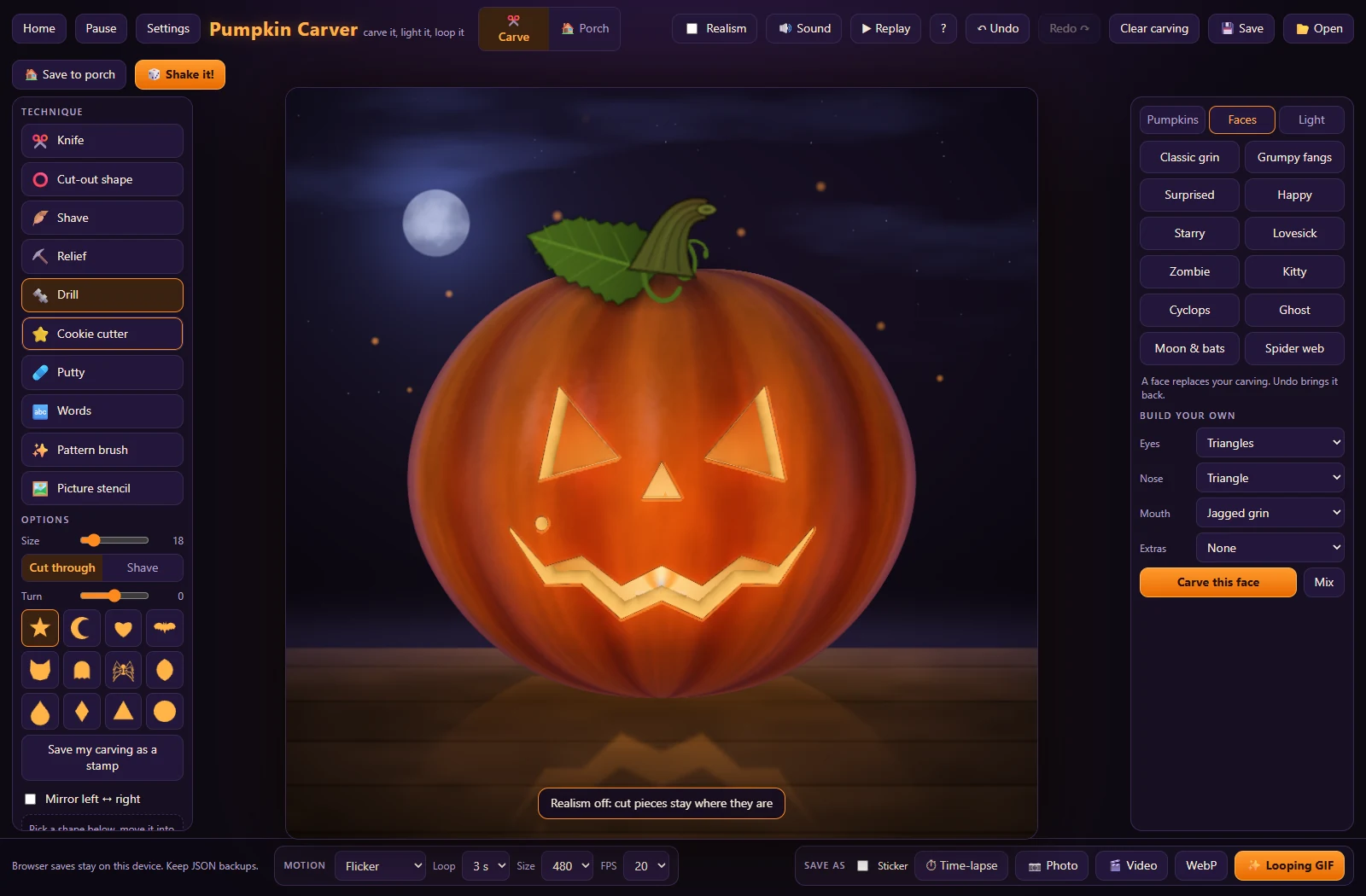
The pumpkin is your work surface. A shallow cut leaves flesh that glows; a hole lets the candle shine through. With Realism on, disconnected pieces fall away, so a bridge can matter as much as the shape you cut.
- Cut holes with Knife or Drill, shave a thin glowing layer, or deepen a mark with Relief. Putty and Undo help repair a design.
- Place faces, shapes, words, patterns or a picture stencil. Turn on Realism to let disconnected pieces fall out; bridges can keep the middles of letters attached.
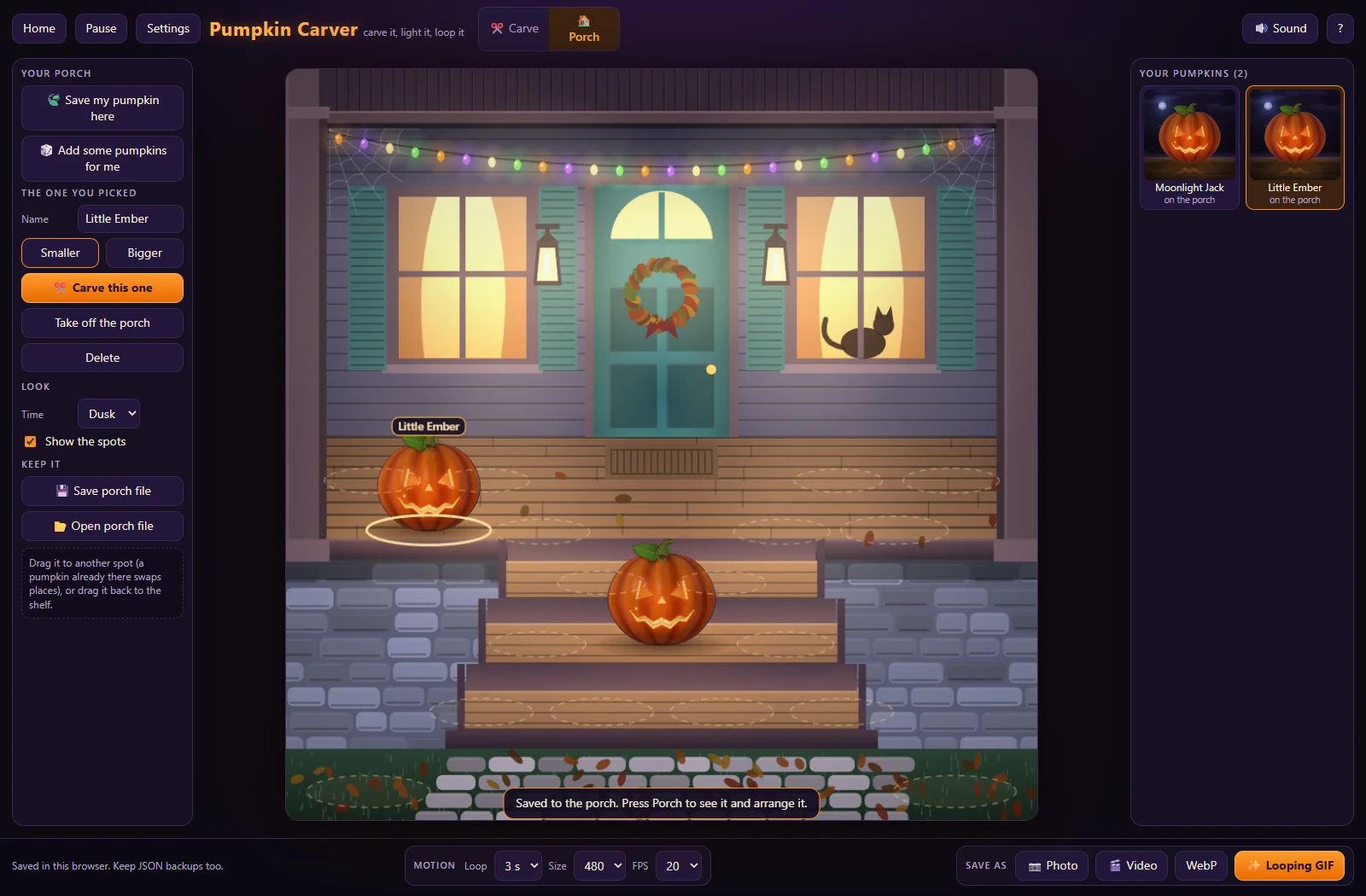
- Choose the pumpkin, flame color and scene. Save creations to a porch collection, then name, resize and arrange them at Night or Dusk.
- Export a PNG picture or a silent GIF, WebP or video. Replay and time-lapse use the undo history retained in the current session.
Download and first steps
- Download the free ZIP using the button above. Extract it into a folder, then open PumpkinCarver.html with Microsoft Edge. If it opens in a text editor, use Open with > Microsoft Edge.
- Choose Continue from Home to use the starting example, or New carving for clean skin. Select a tool, then click or drag on the pumpkin with the mouse.
- Use 1 through 9, then 0, to select tools. Ctrl+Z and Ctrl+Y undo and redo carving. Escape pauses; the visible Home button returns to the menu.
- Save and Open download or restore one carving as JSON. Save porch file and Open porch file back up the whole collection. Keep both kinds of file.
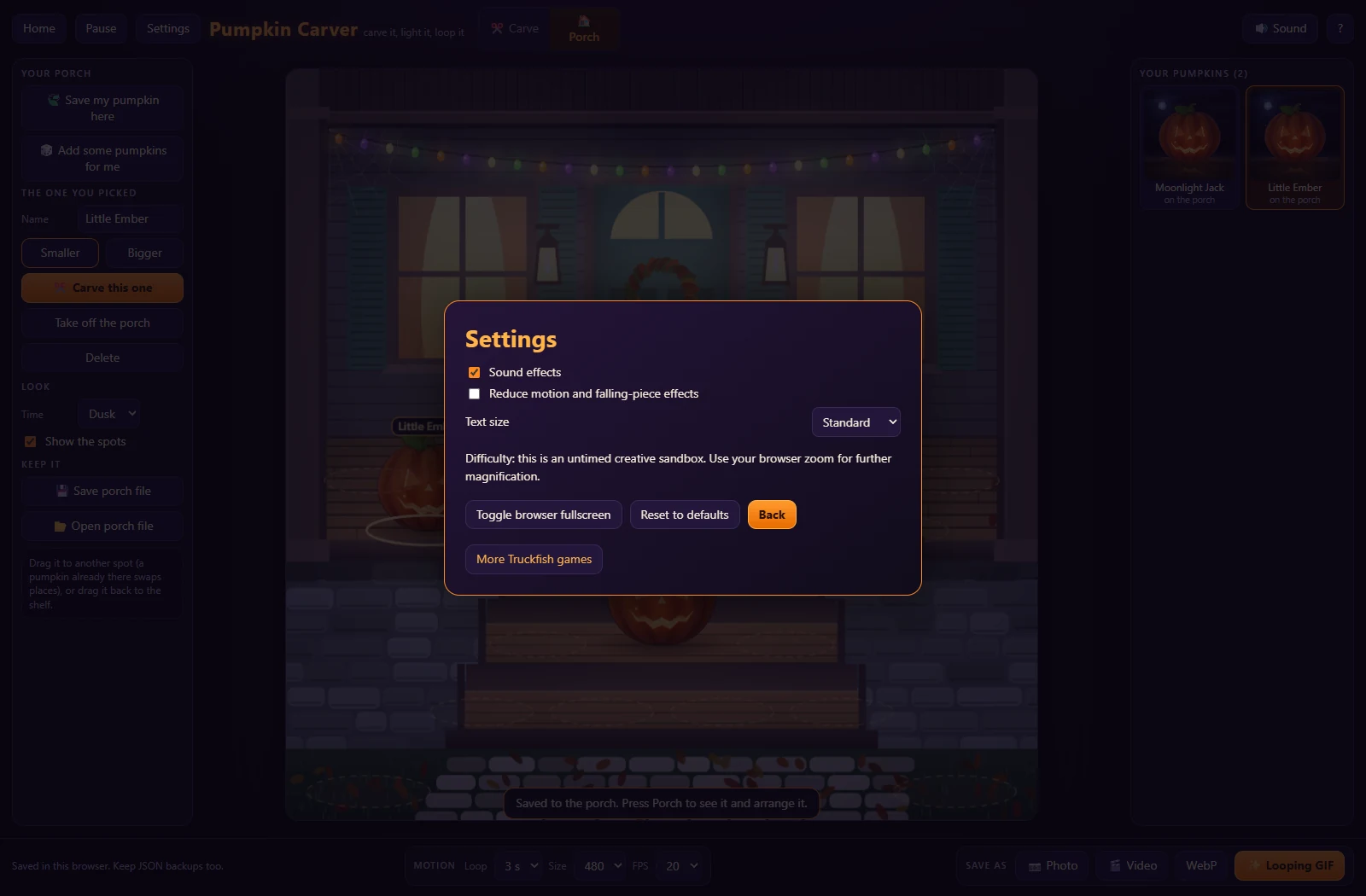
You do not need an installer, server or development tools to play. Home has local profiles, settings and Help. Settings includes text size, sound and reduced motion.
Keep your work
Save both carving and porch JSON backups to a folder you control, especially before moving the game file or clearing browser data. If the game warns that browser saving failed, use the file backup controls before closing it.
From the game
Complete frames from version 1.0.1, captured in automated Windows Edge checks with software rendering. Open an image for the full view.

Full game ZIP v1.0.1 · SHA-256
3f3858874a088db15b0c6901f82775451b4949dada72ee290753741c75bd21ba