
Truckfish Games / Free browser game
Signal Stage
Decode a message. Key a reply. Learn the letters and numbers that make the signal.
Listen, keep the reference close, and return to the characters you want to practice. Eleven lessons introduce all 26 letters and 10 digits.
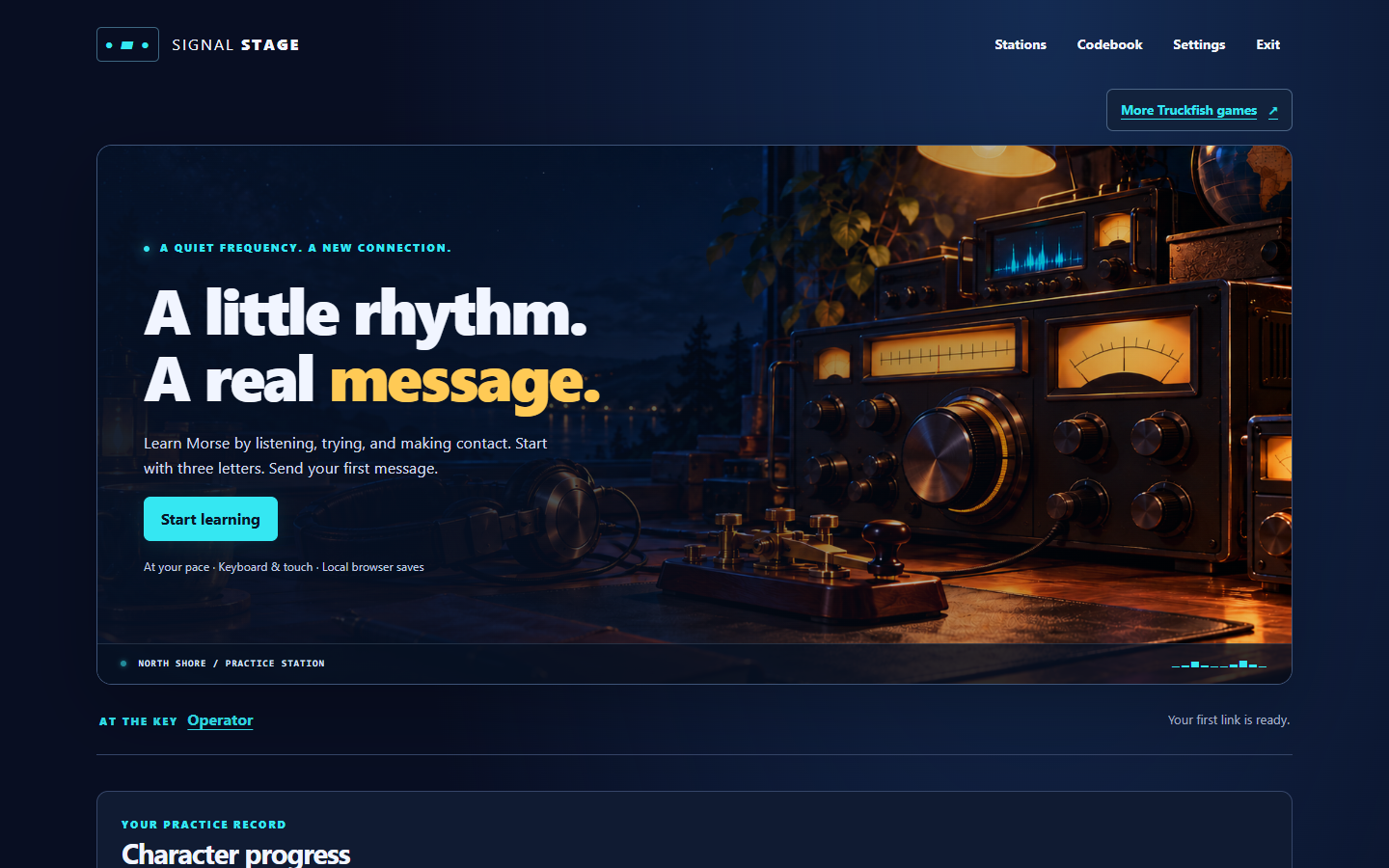
Receive a message, send a reply
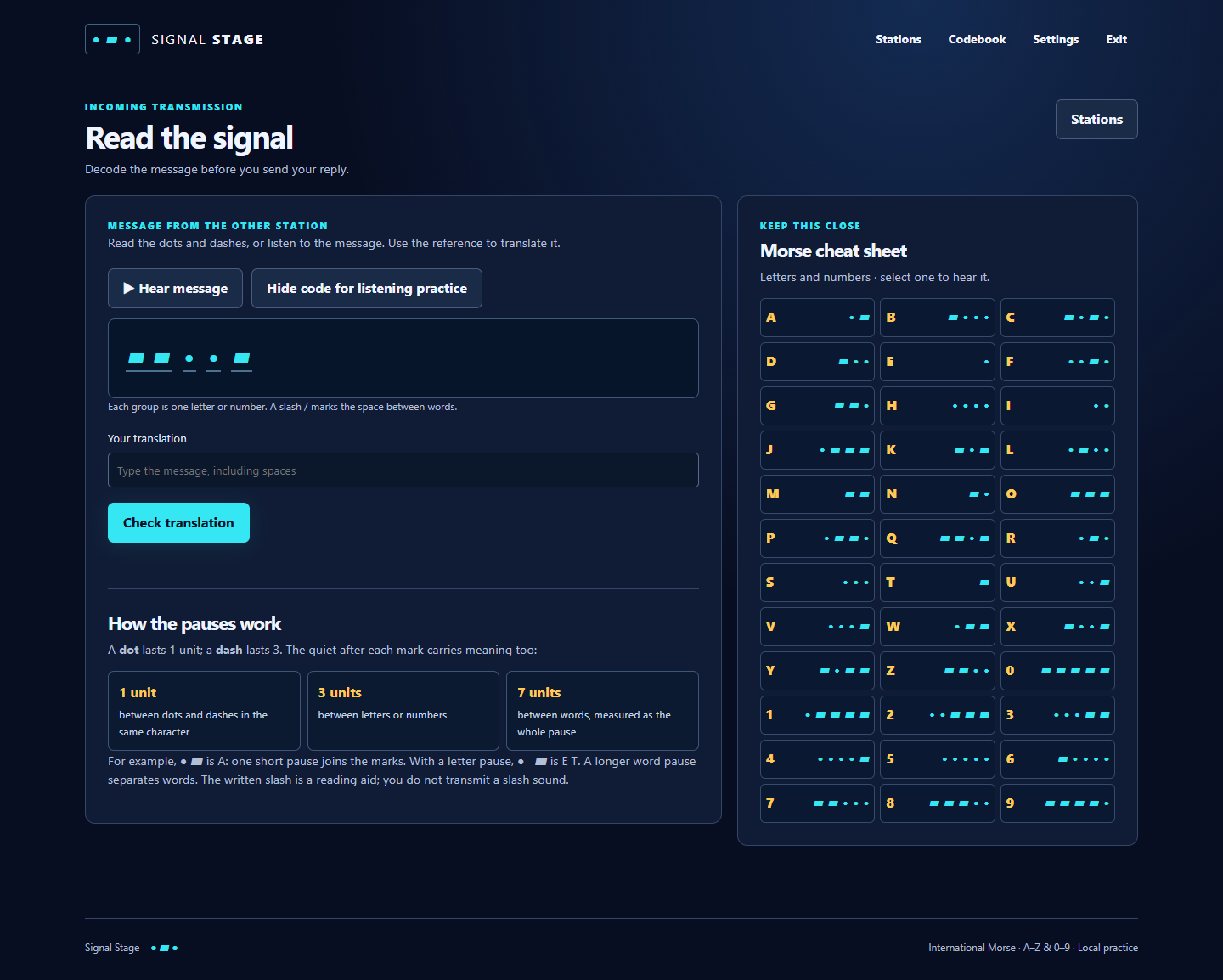
Each lesson introduces new characters through listening and echo practice, followed by a short memory exercise. Then an incoming message appears as grouped dots and dashes. Type its translation, including spaces between words, before sending the reply. You can skip the introductory drills; a new message attempt still starts with receiving.
The first incoming message is MEET. Your reply is MEET ME. A 36-character reference shows the letters and numbers and lets you hear each one. Hide the written incoming signal when you want to practice by listening.
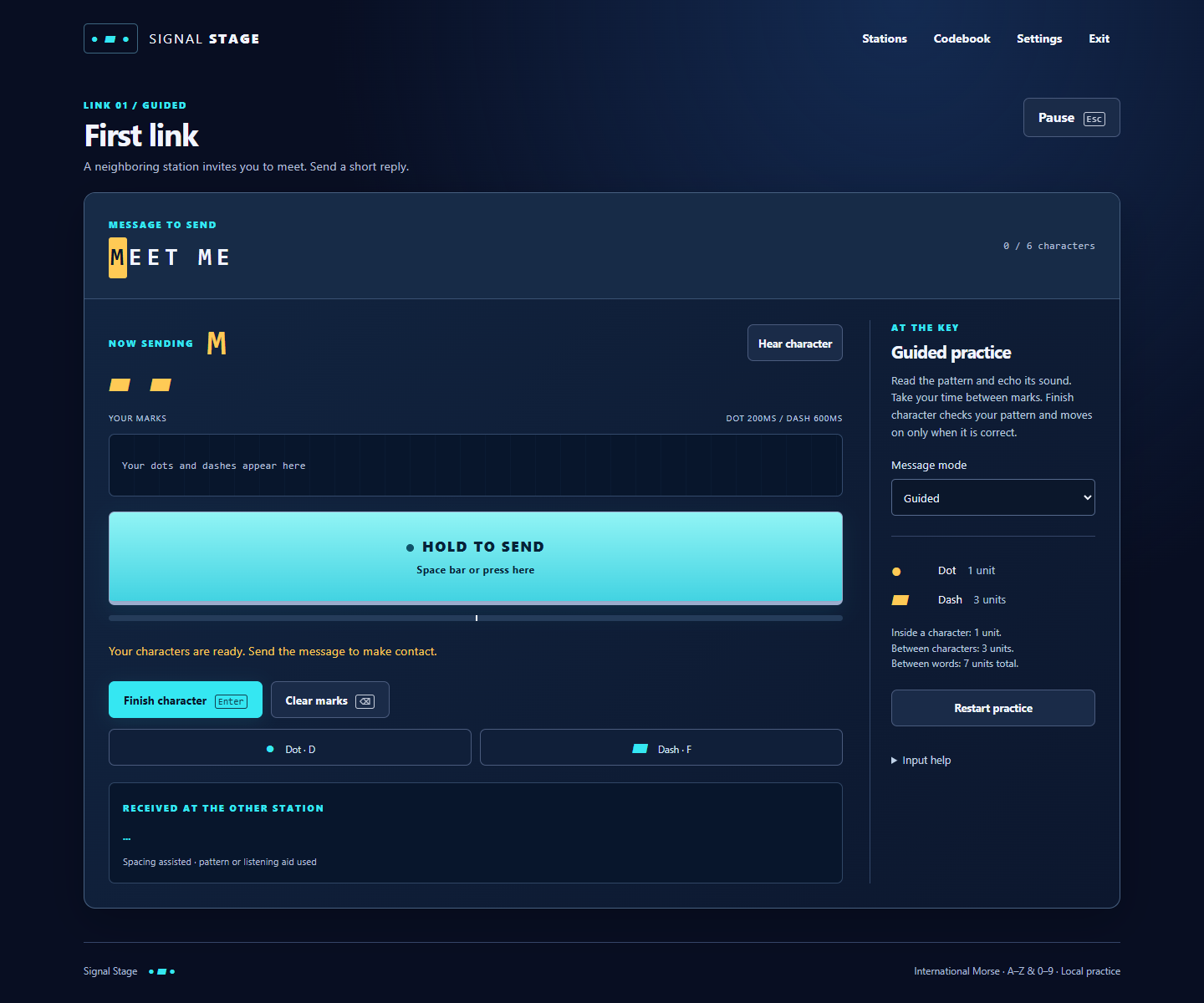
Guided sending shows the pattern when hints are enabled. Recall hides it until you ask. Both modes help with spaces between characters and words, and require the correct character before moving on. Continuous reads the marks and pauses you send, then checks the whole decoded message, including word spaces.
Complete a lesson’s reply to open the next link. Explore all lessons lets you look ahead without awarding completion. Six fixed open-practice messages are also available.
First steps and controls
- Choose Start learning and open the first link. Select Guided, Recall or Continuous, then choose Learn & echo or Skip to receiving.
- Read or hear the incoming signal. Enter its translation and choose Check translation. A wrong answer stays available for correction.
- Press and release Space or hold the large on-screen key with a pointer or touch. A short hold makes a dot; a longer hold makes a dash. D and F, or the Dot and Dash buttons, add marks without holding.
- In Guided and Recall, choose Finish character when the pattern is ready. Enter also finishes from the main play area or transmit key. Backspace clears the current marks. In Continuous, use pauses to separate characters and words, then choose Check transmission.
- Escape pauses active sending. Q exits practice. Tab moves between controls, and Enter activates a focused button. Text fields keep their normal typing controls.
Settings includes signal speed, volume, pitch, mute, text size, stronger contrast and reduced motion. Codebook and help remain available during practice. Guided and Recall do not grade timing; Continuous uses the game’s stated practice windows. Speaker, headphone and input latency have not been calibrated.
Keep a practice record
Each letter and number has a reading bar and a sending bar. A bar fills after five correct instances in a row in that direction. An attributable error resets the corresponding streak; error totals remain visible. Hints, repeats and targeted drills count. A full bar records practice and does not certify mastery.
Local profiles keep separate records. The game saves accepted progress in this browser, and Continue returns to a saved attempt. During active sending, F5 saves the last accepted character boundary and F9 restores it. An unfinished character is cleared on restore; Continuous starts a fresh signal stream.
Requirements and limits
- A local Morse simulation with fixed messages. It transmits no radio signals, connects to no radio hardware or microphone, and gives no operator certification or emergency qualification.
- No punctuation or prosign course, custom messages, multiplayer, separate receive-only campaign, music or narration.
- Saves remain in this browser and origin. Clearing site data or changing browsers or origins can remove or separate progress. No cloud saves or save export/import controls.
- Windows Edge has automated desktop and narrow-layout checks. Physical phones, real screen readers, other browsers, human learning outcomes and physical audio quality remain unverified.
- Hosted cold offline startup is not established. No downloadable archive or native Windows or Android build is offered.
- If browser storage is unavailable, a notice explains that progress lasts only for the session. The game includes local Morse tones and a sidetone.